Obtaining Logpoint AMI
Contact the Logpoint Support team and provide your AWS Account Number and Deployment Region to receive Logpoint AMI.
Logpoint can share AMIs within the following AWS regions:
us-east-1
eu-west-1
ec-central-1
ap-south-1
Once shared, you can copy the AMI to other regions within your private AWS account.
Obtaining the AWS Account Number
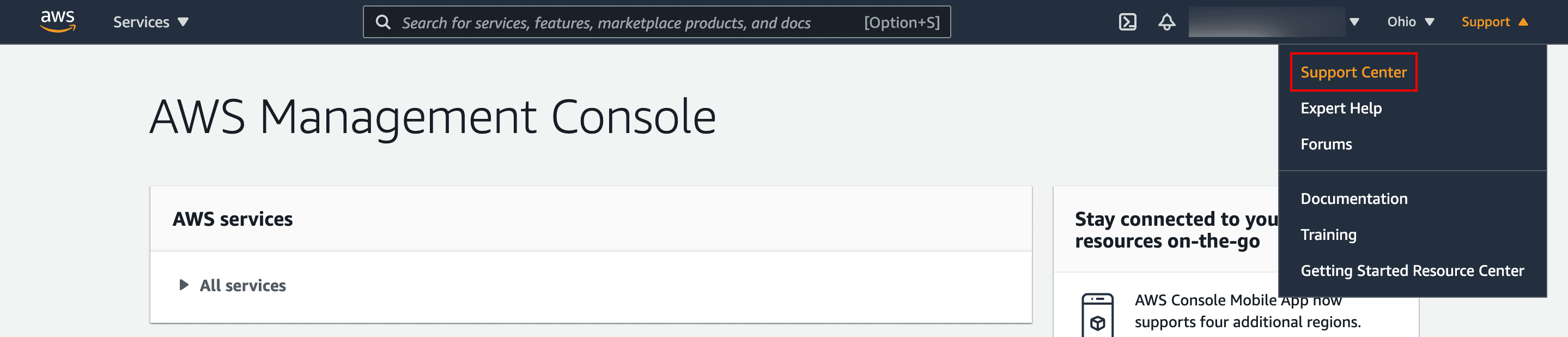
Log in to the AWS management console.
Click the Support drop-down and select Support Center.
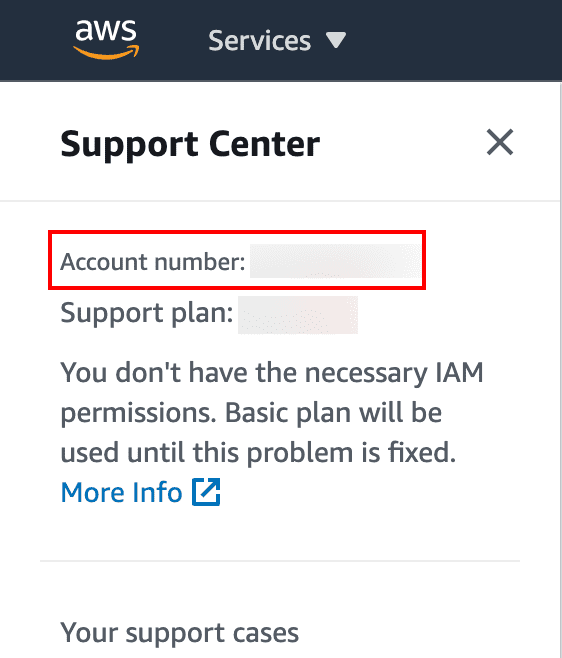
Note down the Account number at the top of the Support Center page.
Selecting the Deployment Region
Log in to the AWS management console.
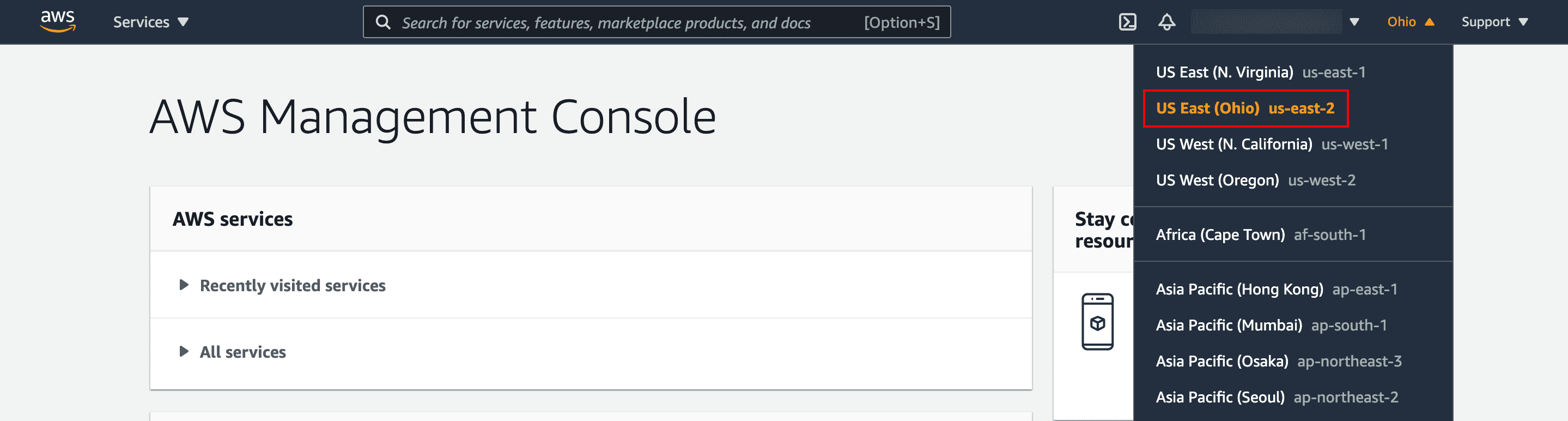
In the top right drop-down, select the Region to deploy the instance.
Note down the selected Region.